 DMA
DMA Guide
How to choose a fuser
A fuser merges the picture of two PCs onto one monitor. The right one depends on one thing above all: your monitor's resolution and refresh rate. A fuser that can't keep up limits your main PC's picture, so pick one that matches or beats your monitor.
Step 1 — check your monitor
- Find your monitor's native resolution (1080p, 1440p or 4K) and maximum refresh rate (for example 240 Hz).
- Check which cable you use: HDMI or DisplayPort.
Step 2 — compare the models
| Fuser | 4K | 1440p | 1080p | Ports |
|---|---|---|---|---|
| DC Fuser | 60 Hz | 144 Hz | 240 Hz | HDMI + DP |
| GODLIKE Fuser | 60 Hz | 165 Hz | 240 Hz | HDMI + DP |
| DC 4K120 Fuser | 120 Hz | 240 Hz | 360 Hz | HDMI 2.1 + DP |
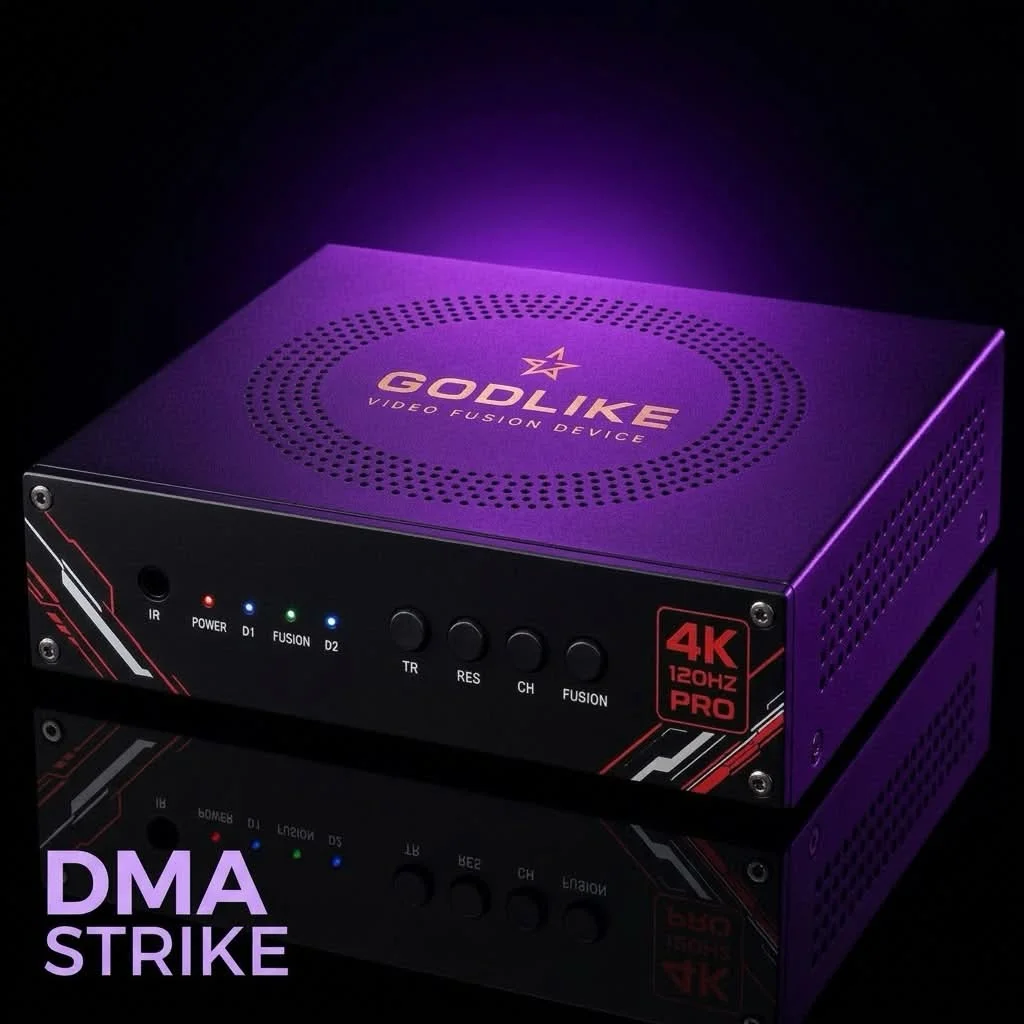
| GodLike Fusion 4K Pro | 120 Hz | 240 Hz | 360 Hz | DP |
| DC505 4K Fuser | 158 Hz | 355 Hz | 540 Hz | — |
| DC1A686 DP 1.4 | 164 Hz | 364 Hz | 639 Hz | DP only |
The DC1A686 also runs 3440 × 1440 ultrawide at 264 Hz and 720p at 1000 Hz.
Step 3 — match it
- 1080p up to 240 Hz: DC Fuser or GODLIKE Fuser.
- 1440p 240 Hz or 1080p 360 Hz: DC 4K120 or GodLike Fusion 4K Pro.
- Very high refresh rates: DC505 (1080p 540 Hz) or DC1A686 (1080p 639 Hz, DisplayPort only).
Good to know
- The GodLike Fusion 4K Pro needs a second-PC GPU of at least an RX 470, RTX 2060 or Radeon 780M.
- The DC1A686 needs DisplayPort on both your PC and your monitor.
- Not sure? Ask us on Discord with your monitor model.
See all fusers.