 DMA
DMA What is a DMA card?
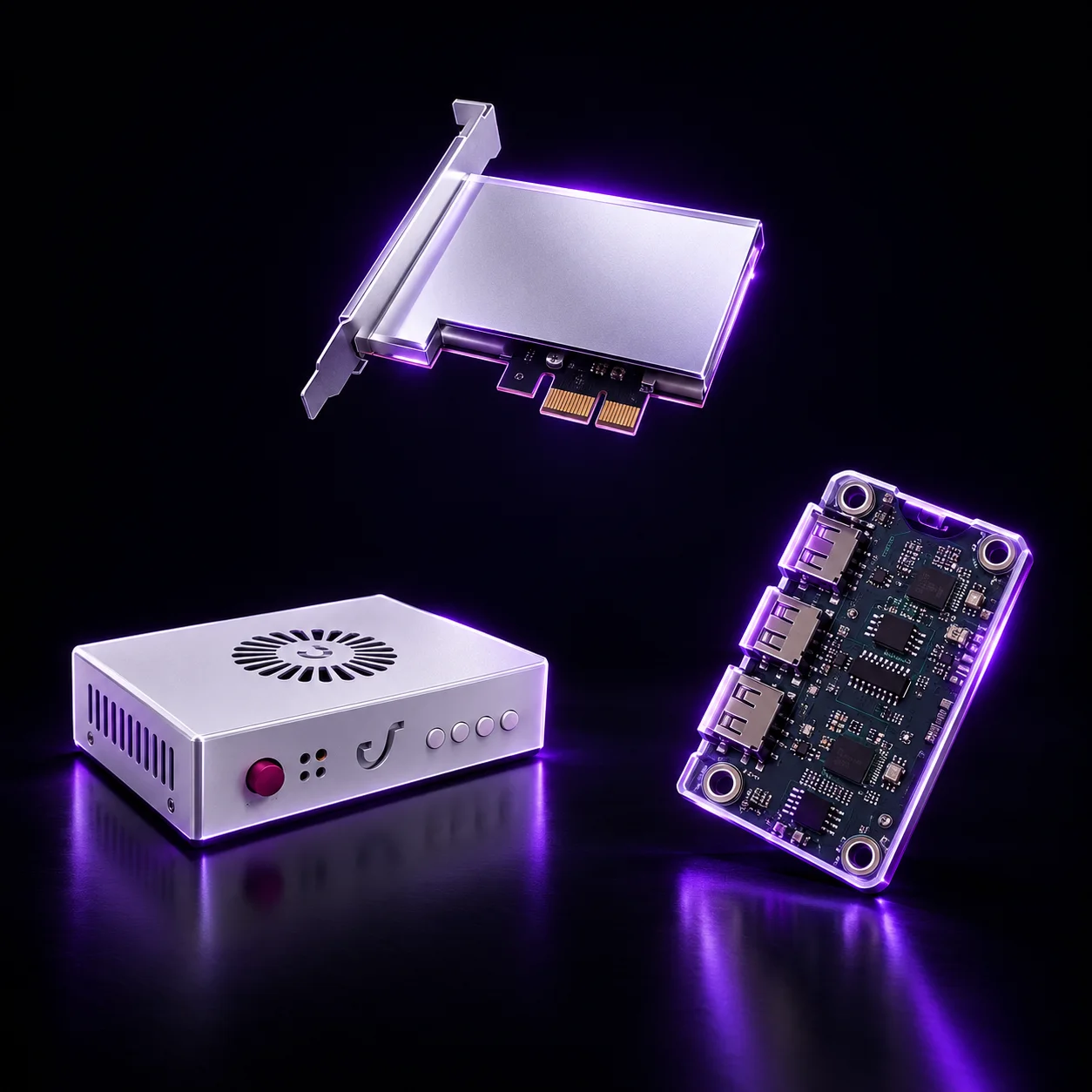
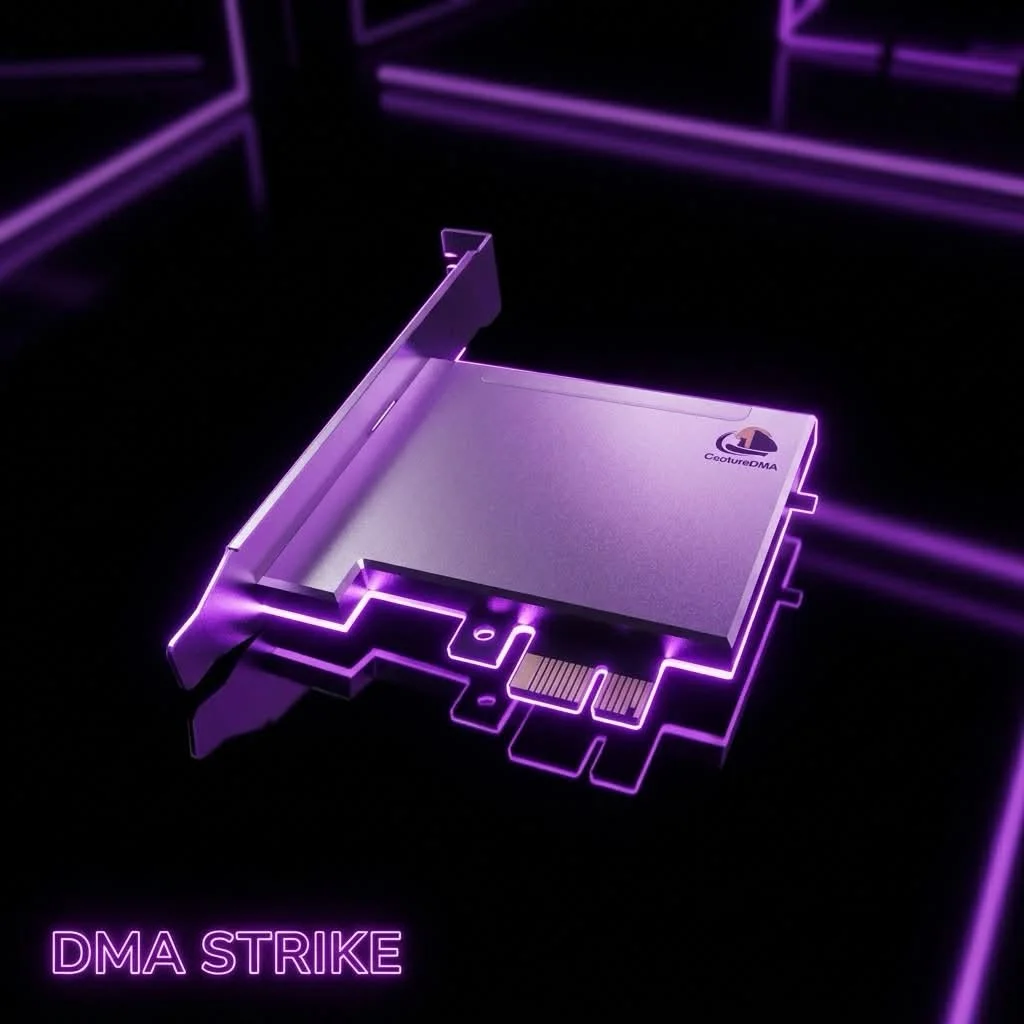
A DMA card (Direct Memory Access card) is a PCIe expansion card used in two-PC setups. It goes into a PCIe slot of your main PC and connects to a second PC with a USB-C cable. Through it, the second PC gets direct hardware access to the main PC over PCIe — without software running on the main PC to pass the data along.
How a DMA card connects
- Main PC: the card sits in a PCIe slot (some models, like the Hieno 1.2, use an M.2 NVMe slot instead).
- Second PC: connected with a USB-C (USB 3.2 Gen 2) to USB-A cable.
- Speed: boards with the FT601 bridge chip move data at up to 200 MB/s over a link of up to 5 Gbps.
What the firmware does
The firmware decides how the card presents itself on the PCIe bus. Emulated firmware with full configuration space (CFG) and BAR support makes the card show up like a standard PCIe device. Our boards ship with emulated firmware pre-installed, and custom firmware for your system is set up with you on Discord. One 2-in-1 USB-C port handles data and JTAG, so updating never means re-flashing the board by hand.
What else you need
- A second PC — a compact Mini PC or your own machine.
- A fuser to see both PCs on one monitor — see how to choose a fuser.
- A mouse controller such as the MAKCU — see our comparison.
Or get everything at once in a DMA bundle.
Which DMA card to choose
- DMA Board with Firmware — the standard PCIe board with emulated firmware pre-installed.
- Hieno 1.2 — for a free M.2 NVMe slot.
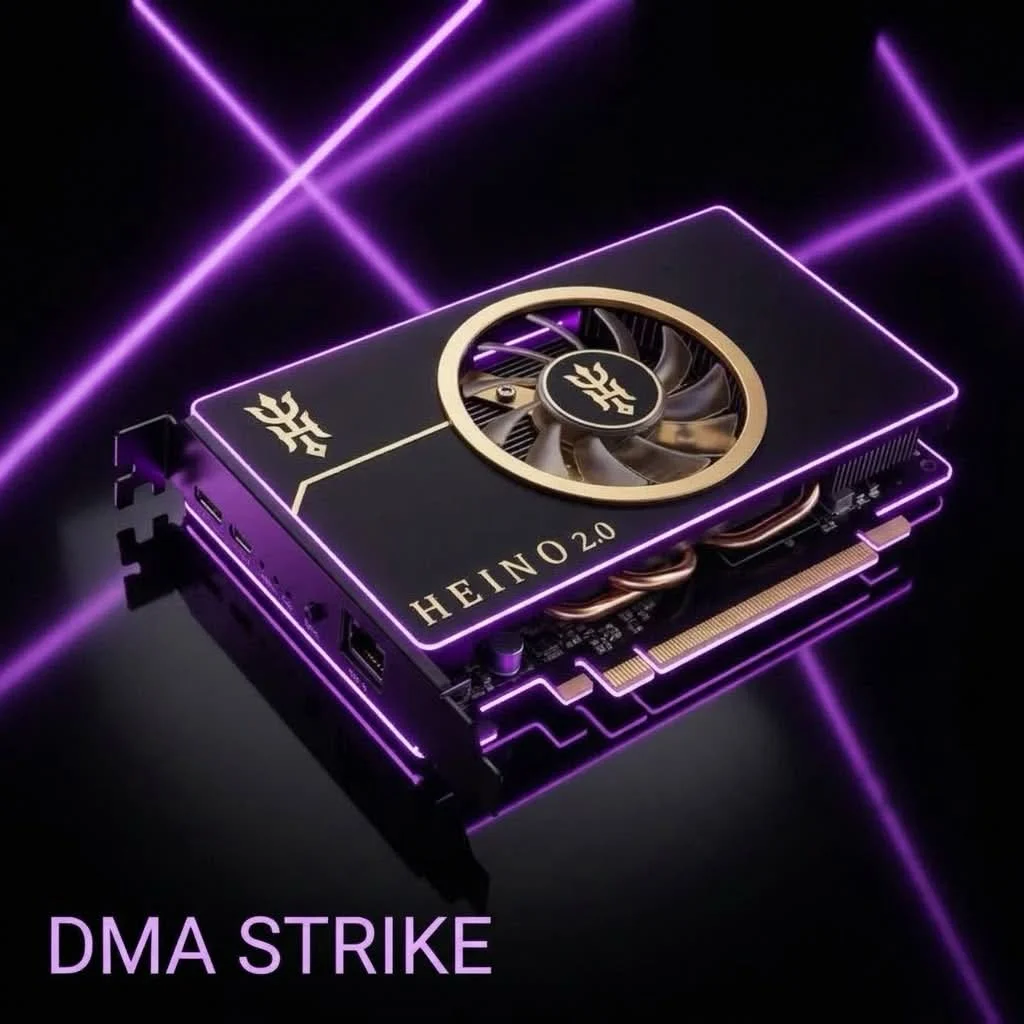
- Hieno 2.0 — works in front of a real PCIe device instead of emulating one; ask us before ordering.
See all DMA cards.