 DMA
DMA Guide
Two-PC DMA setup: the checklist
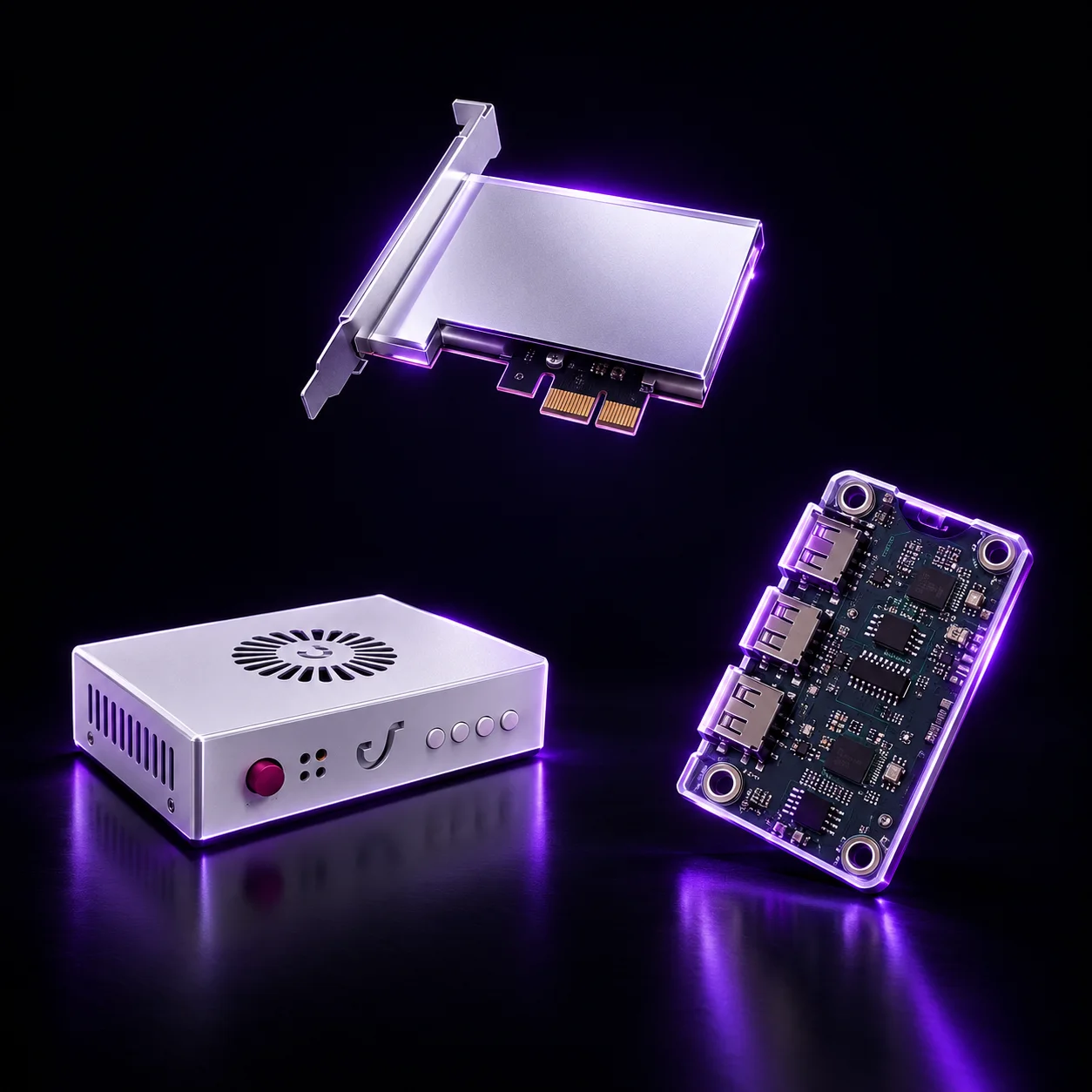
A two-PC setup uses a main PC and a second PC connected by a DMA card. Here is everything you need, in order — or get it all in one DMA bundle.
1. A DMA card
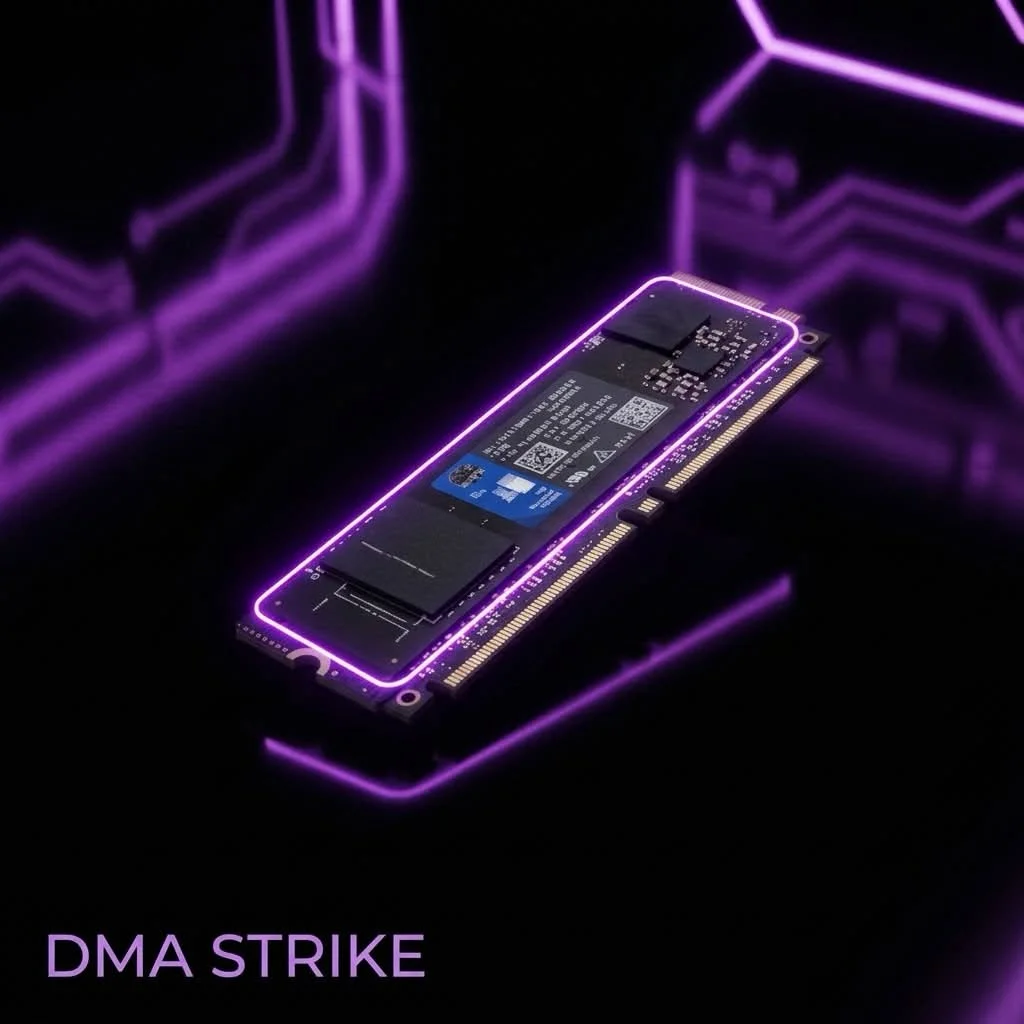
Goes into a PCIe slot of the main PC and connects to the second PC over USB-C. Ours ship with emulated firmware pre-installed. See DMA cards.
2. Firmware
Custom emulated firmware for your card and system, set up with you on Discord. See firmware.
3. A second PC
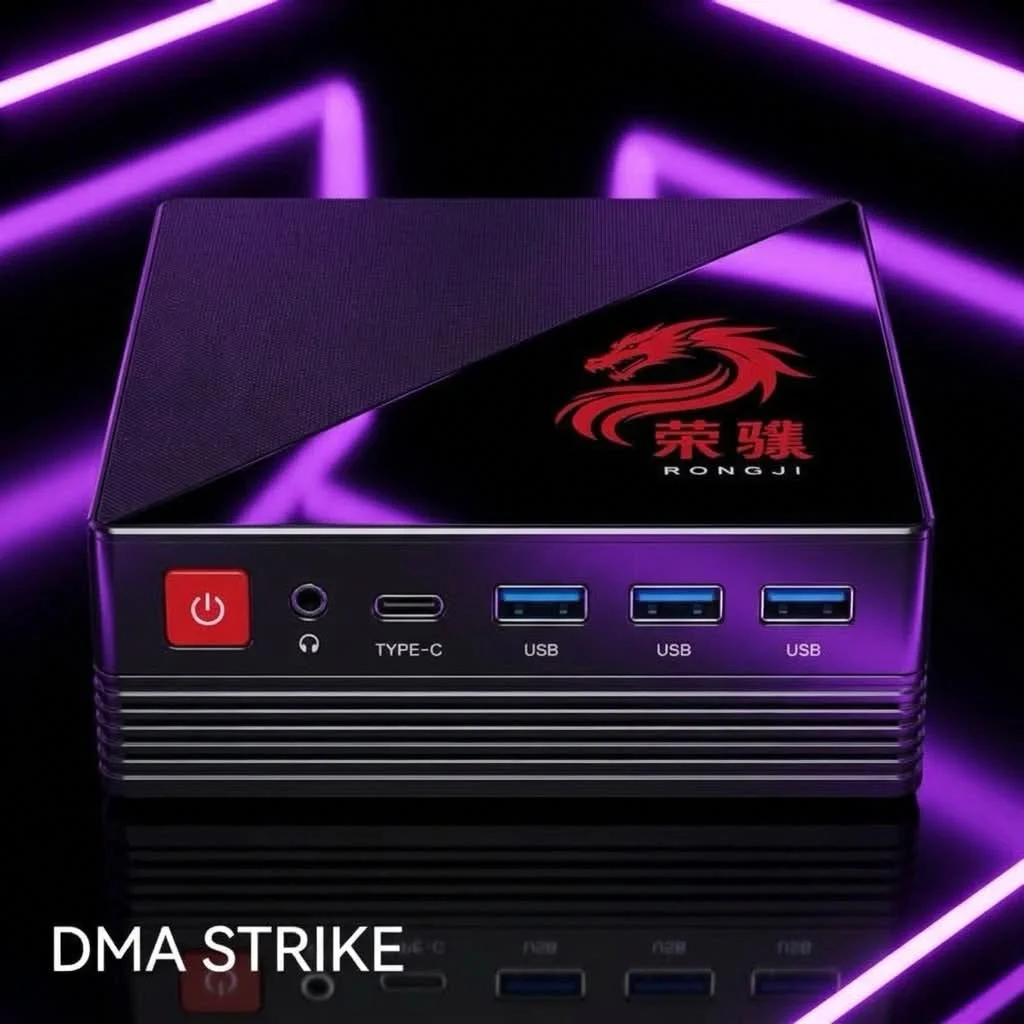
A compact AMD Ryzen Mini PC, or your own PC. Building one? Our VT-d motherboards have a real PCIe x16 slot. See second-PC parts.
4. A fuser
Shows both PCs on one monitor. Match it to your monitor's resolution and refresh rate — how to choose a fuser.
5. A mouse controller
MAKCU, YSC, NB Pro or Ferrum — compare them here.
Before you order
- Check your motherboard and CPU with us if you are unsure.
- Free standard shipping to all countries (7–12 business days) or express shipping for $30 (3–5 business days).
- No returns — parts with a manufacturing defect are replaced.